Email by DMCN
The first email service built on the DMCN protocol
DMCNP is an open protocol that requires every message on it to be signed and encrypted, with no exceptions. And you can still write to anyone on regular email. Learn more about the protocol
Nothing gets hidden in a spam folder on a guess. Mail from someone new arrives with the sender in plain view and the message sealed, and you decide whether to trust it, block it, or read it as plain text first. It runs on DMCNP, an open protocol where every message is signed and encrypted. Learn more about the protocol
01 · New senders
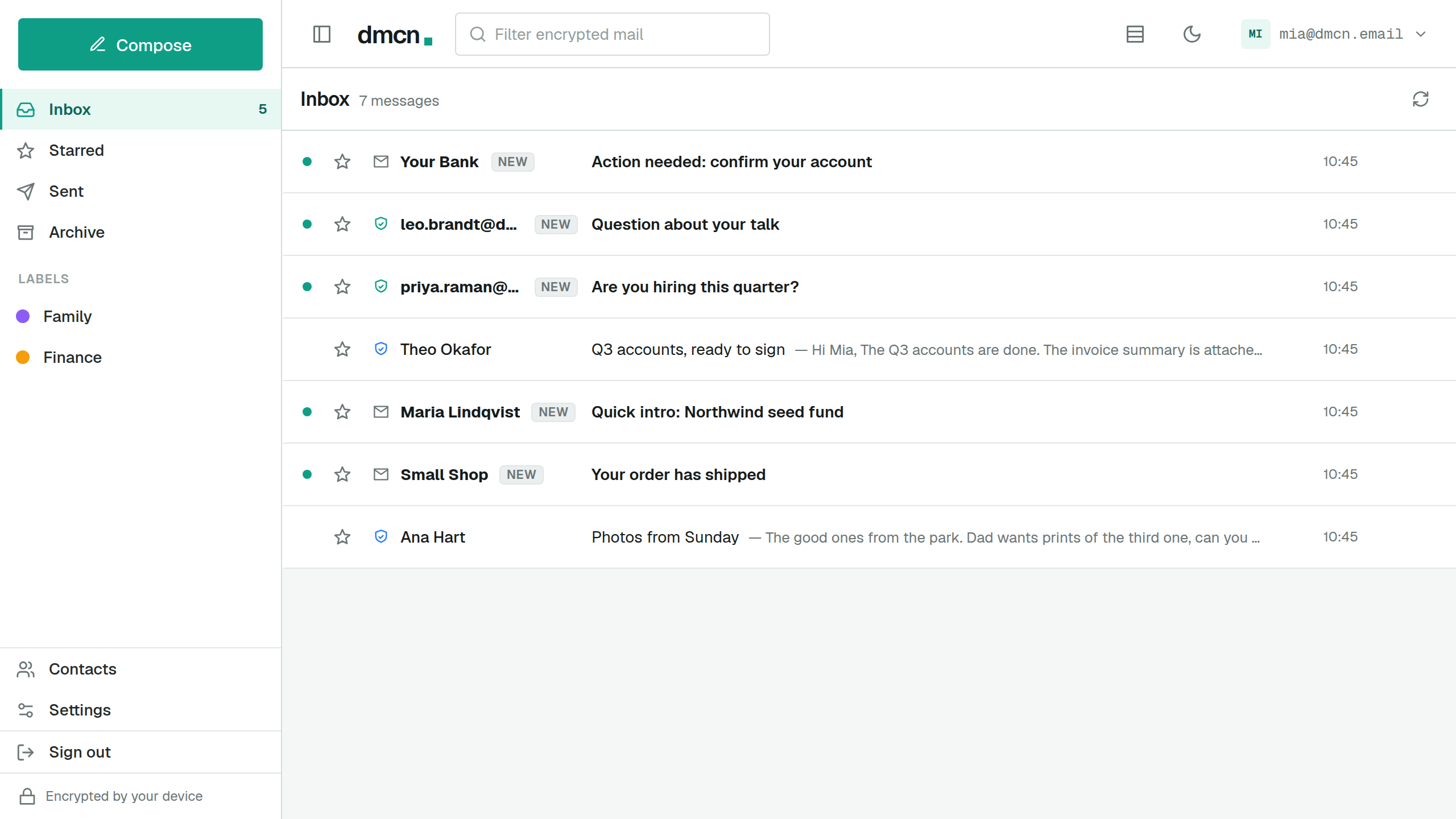
You decide who reaches you.
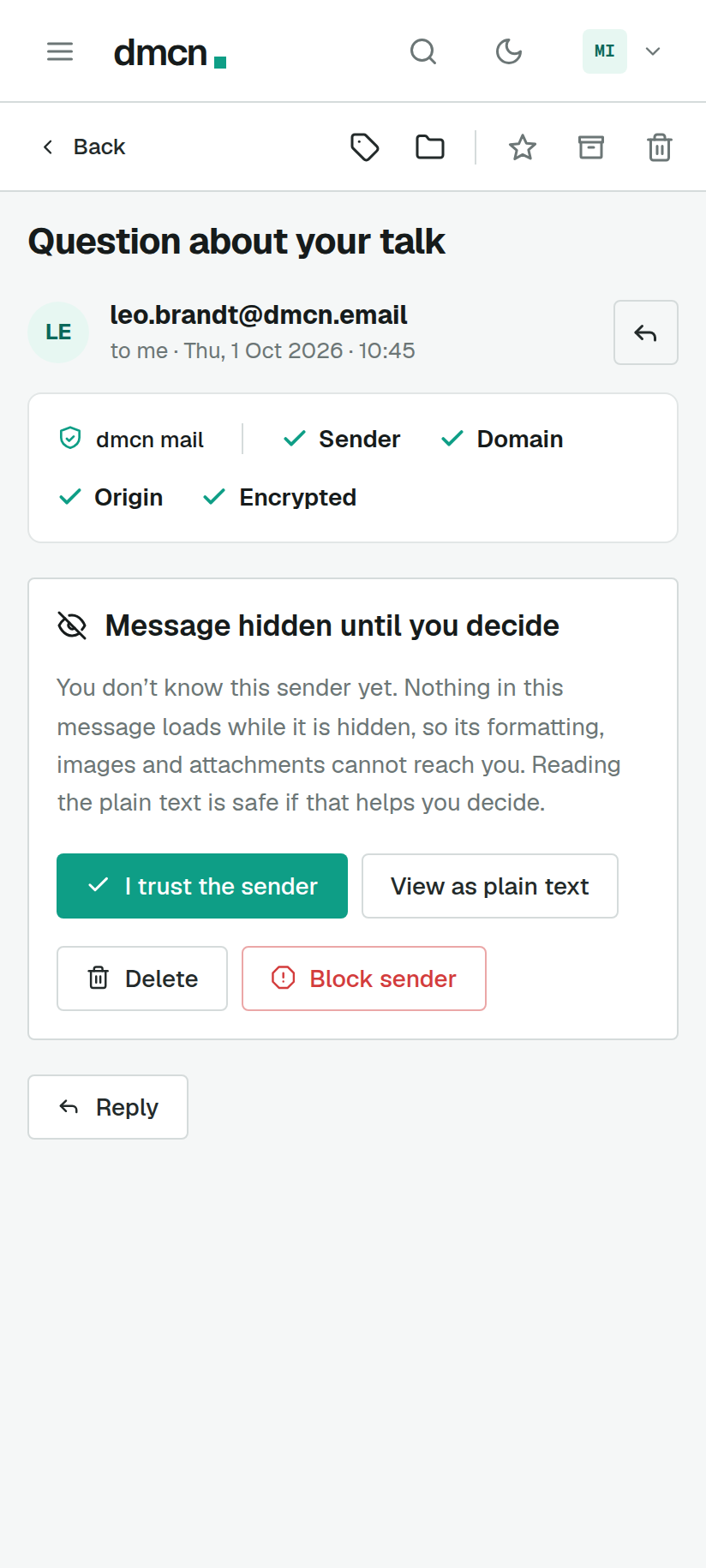
Mail from someone new arrives with the sender showing and the message sealed until you decide.
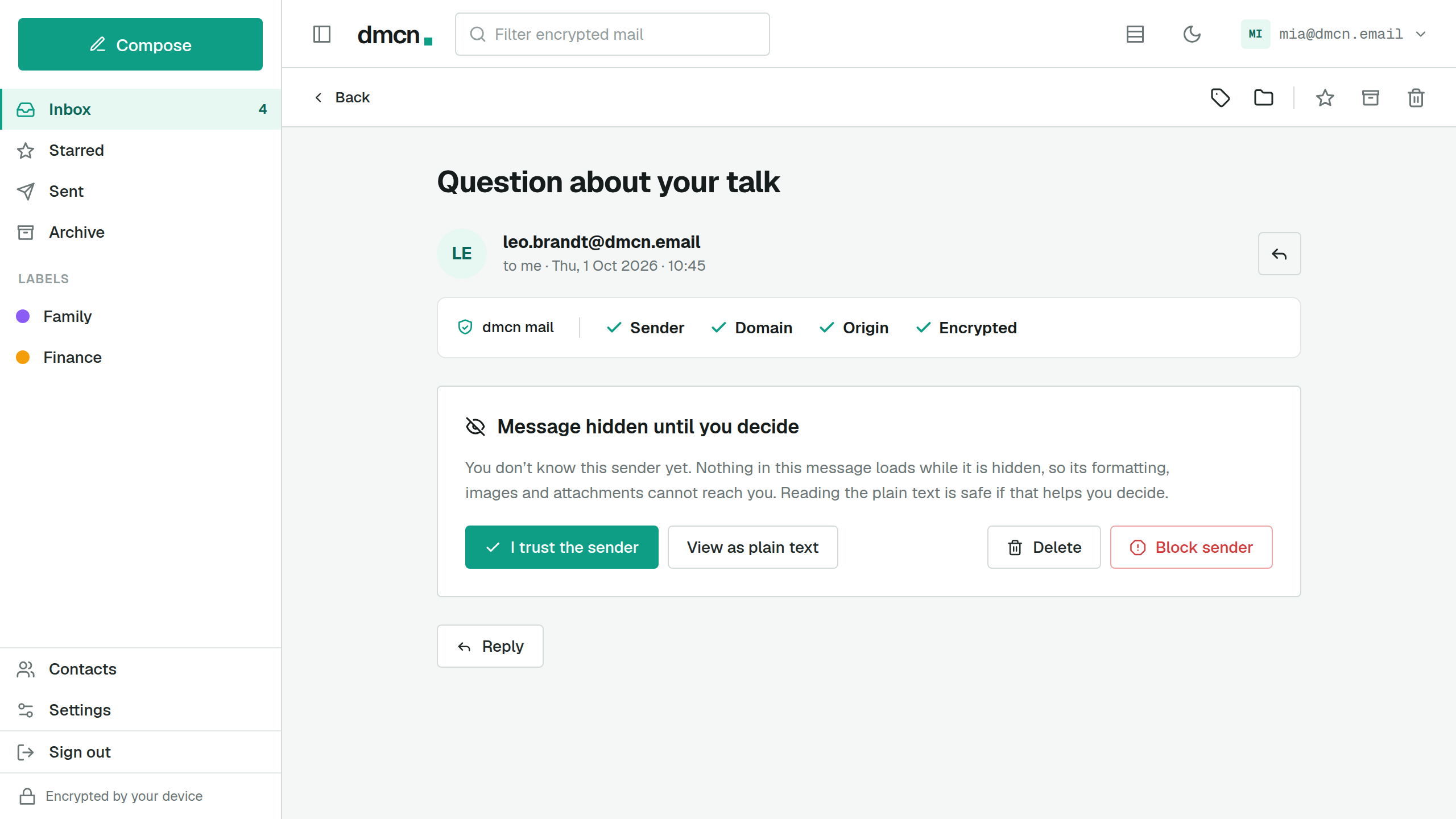
Its formatting, images and attachments stay closed until you decide what you want to do. You can trust it, block it, read it as plain text first, or delete it. Ordinary email from Gmail or Outlook waits at the same gate.
Trust a sender once and their mail opens from then on.Unless their key changes or an ordinary email from them fails its checks; then it waits at the gate again.
Blocking a DMCN sender follows their key.So a fresh address on that key stays blocked.
02 · Senders
See who mail is really from.
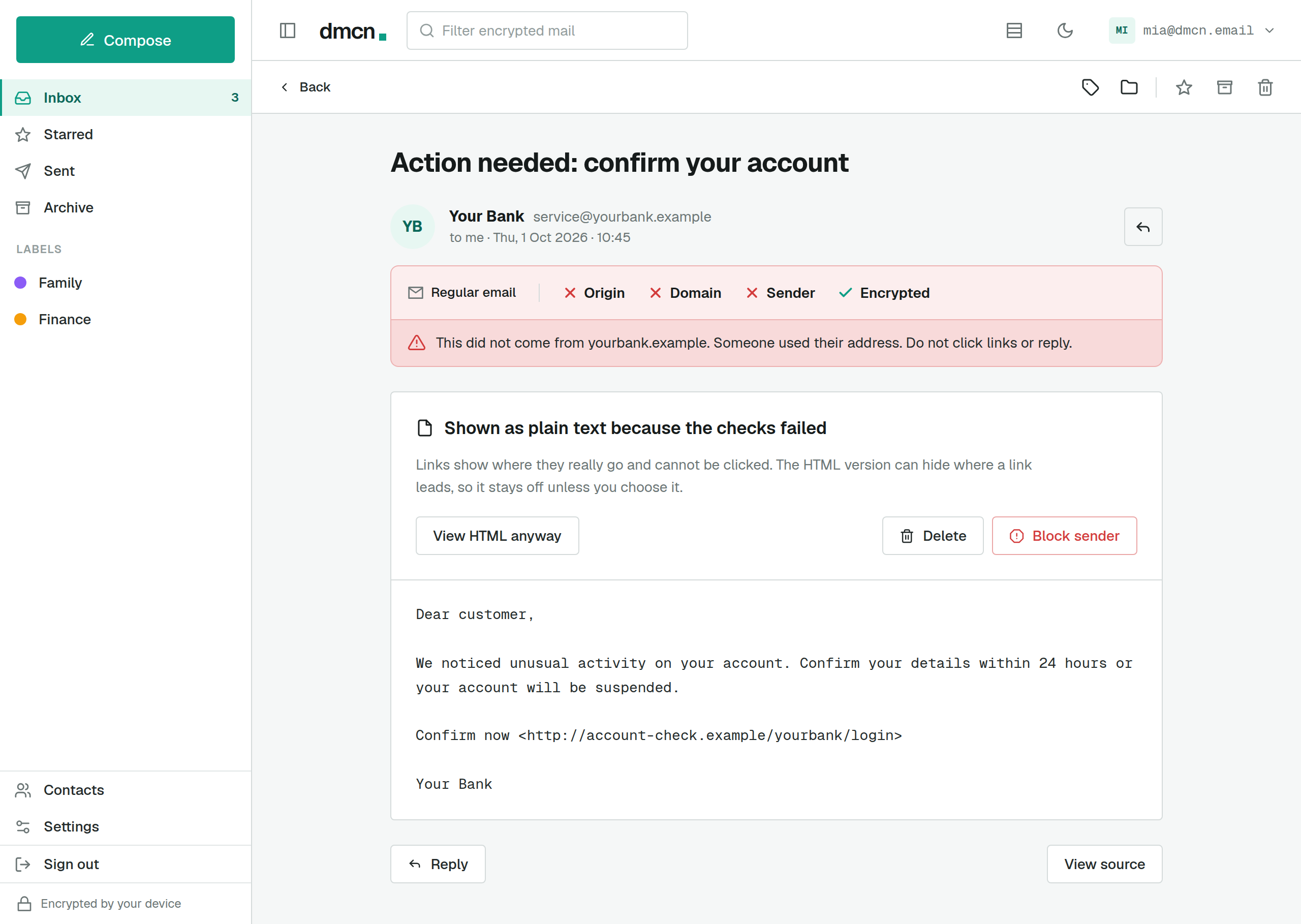
Mail between DMCN inboxes is signed by the sender and checked before it opens. Ordinary email shows its SPF, DKIM and DMARC results in plain words.
Between DMCN inboxes every message is signed with the sender’s key, and your mail client checks that signature against the key the sender has published. If they disagree, you are warned before anything in the message opens.
For ordinary email you see the checks the sender’s domain publishes (SPF, DKIM and DMARC) in plain words: passed, failed or nothing to check. A message that fails is shown as plain text, its links spelled out and unclickable, and its formatting stays off unless you confirm.
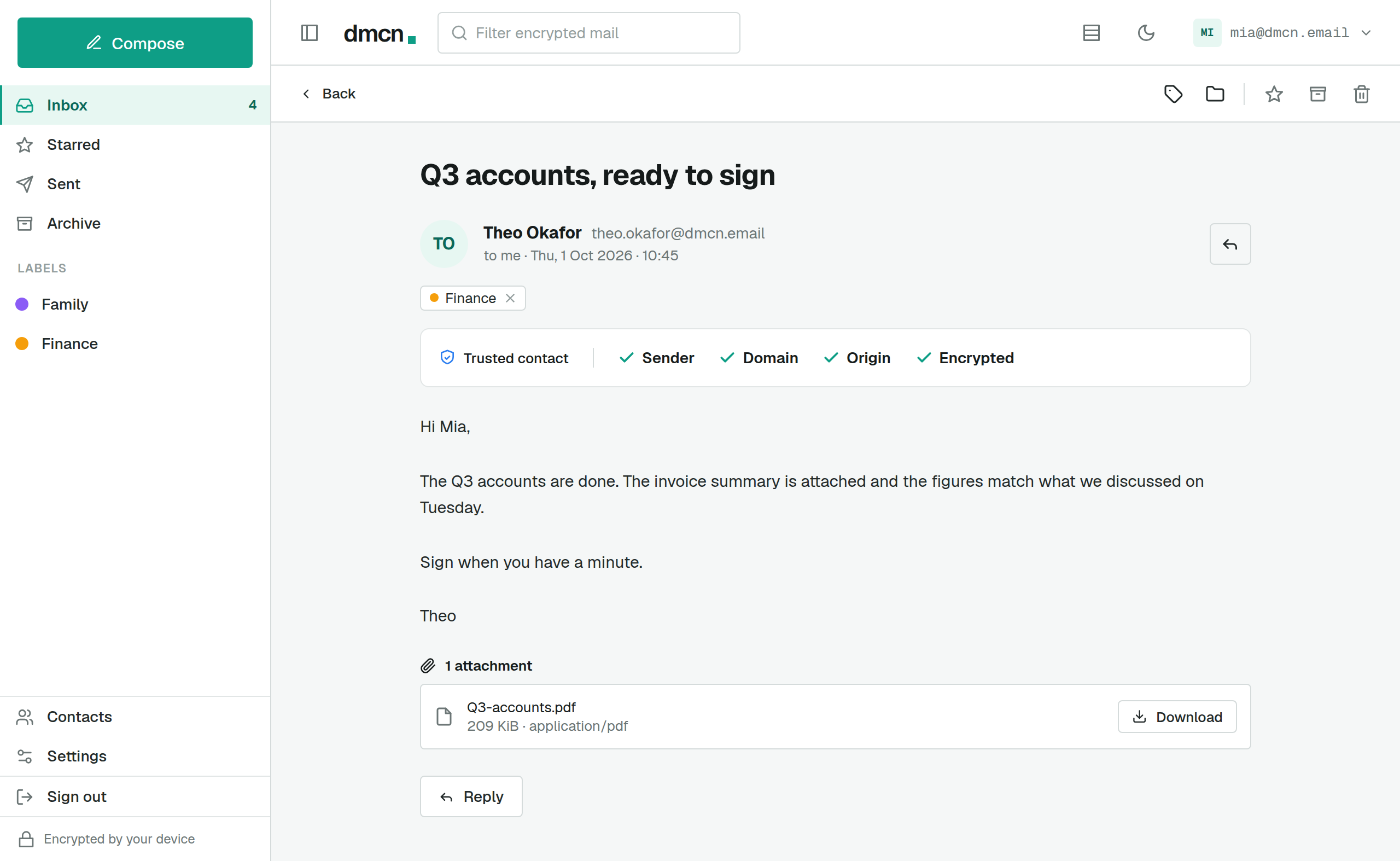
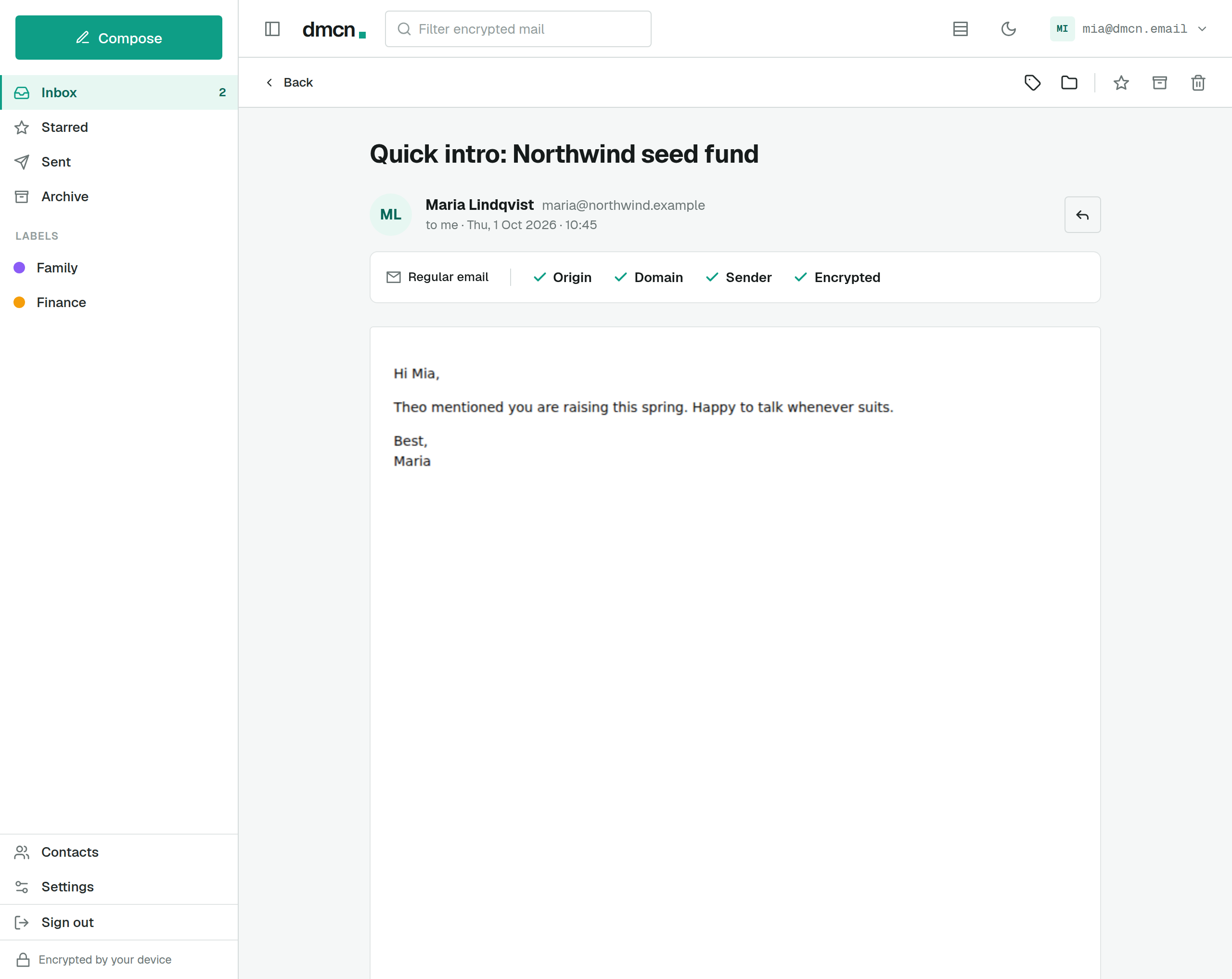
Key checks only work between DMCN inboxes, so invite the people you write to most.
03 · Everyone else
It works with everyone’s email.
Write to anyone on Gmail, Outlook or any other provider from day one, and their replies land in the same inbox.
It’s fine if nobody you know uses DMCN yet.
- mia@dmcn.emailWrites as usual, from the same composer.
- dmcn.emailSends it on as ordinary email, signed so their provider can check where it came from.
- sam@gmail.comGets a normal email and replies to it like any other.
Once a message leaves DMCN it is ordinary email, readable by the servers it passes through.End-to-end encryption covers mail between DMCN inboxes, and every message tells you which kind it is.
04 · Privacy
We can’t read mail between DMCN inboxes.
Mail between DMCN inboxes is encrypted on your device, subject included, and our servers hold no key that opens it.
Every message you send is encrypted on your device before it leaves, subject line included. Mail to another DMCN inbox stays sealed until your recipient’s device opens it: our servers store and pass it on, and hold no key that opens it. Mail to an ordinary address is sealed to our bridge, which sends it on as ordinary email.
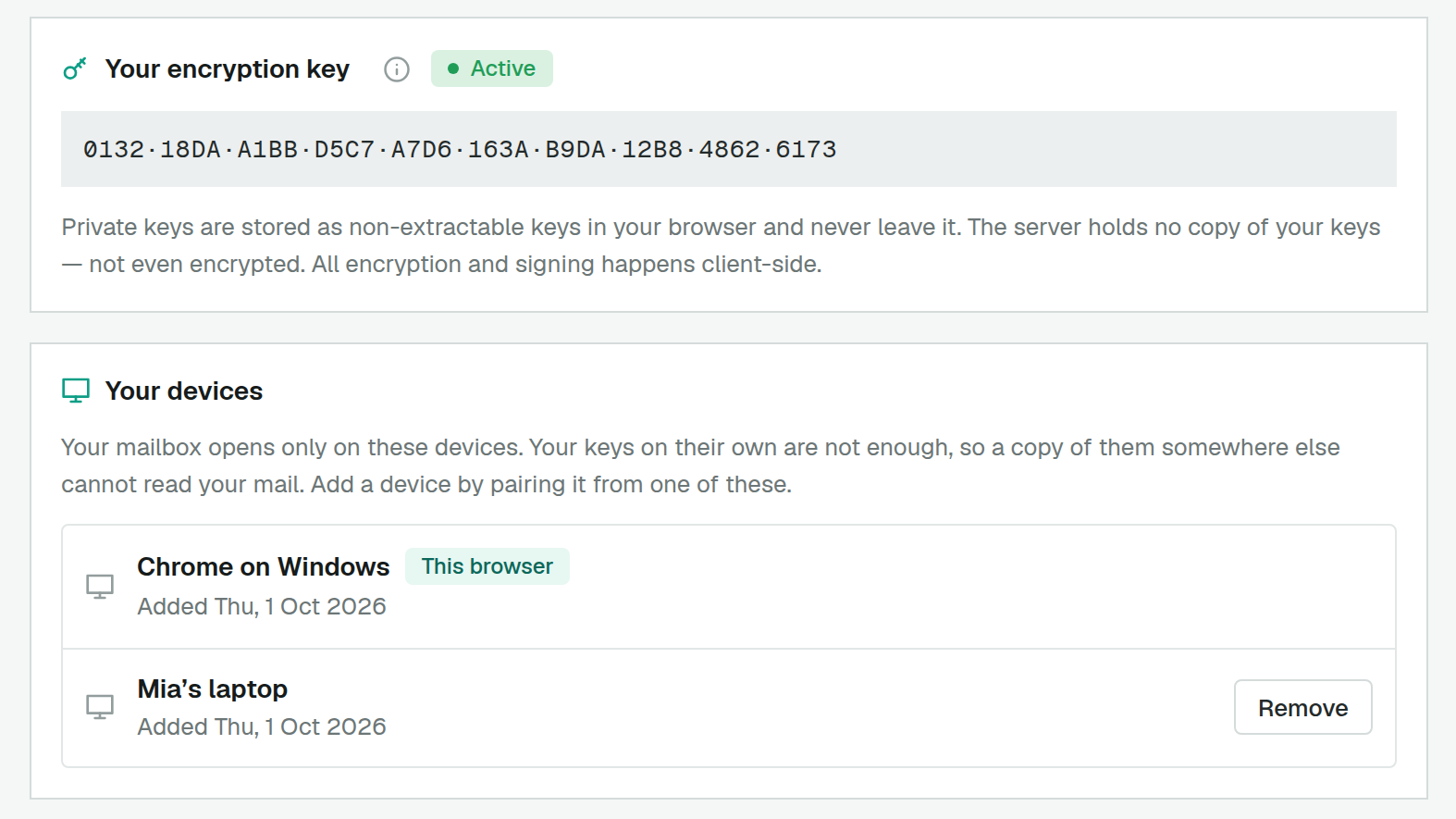
Your keys stay on your devices
Our servers never hold a copy of your keys that they could open.
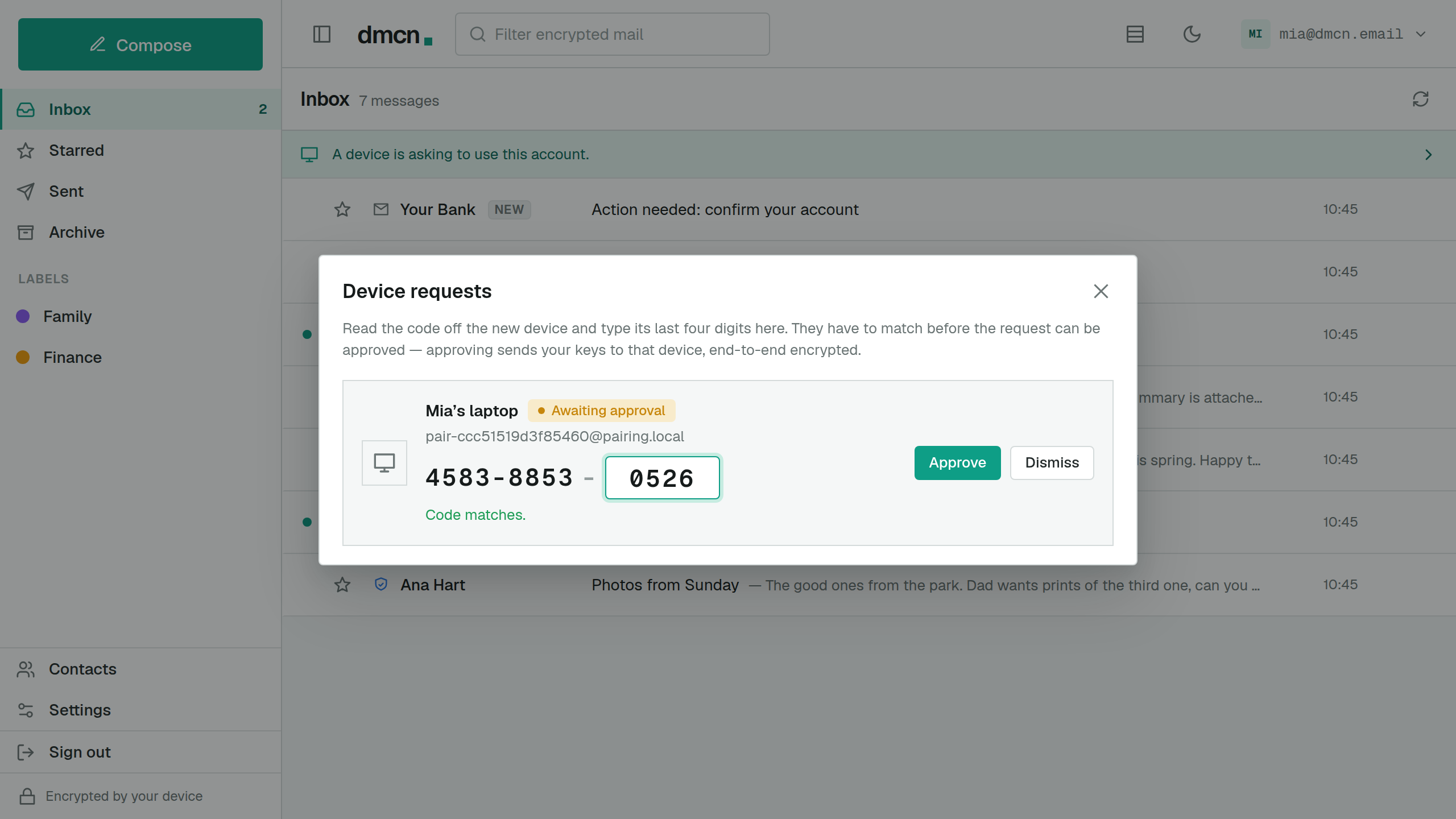
When you add a device, your keys travel to it sealed to a one-time key only that device holds, and the sealed copy is deleted once it arrives.
We see who mail is for, who sent it, when, and roughly how big it is
Not what mail between DMCN inboxes says. Ordinary email is readable as it crosses over.
To deliver your mail, our servers see which mailbox a message is for, who it is from, and roughly when. Sizes are rounded up, so only a rough size shows. The security page names each limit we know of.
No ads, tracking or scanning in your mail
Your subscription pays for the service, so your mail has nothing to offer us.
Remote images stay off by default and no read receipts go out, so opening a message tells its sender nothing. You can let images load for senders you trust if you choose to.
05 · Every day
It’s just email, and a good one.
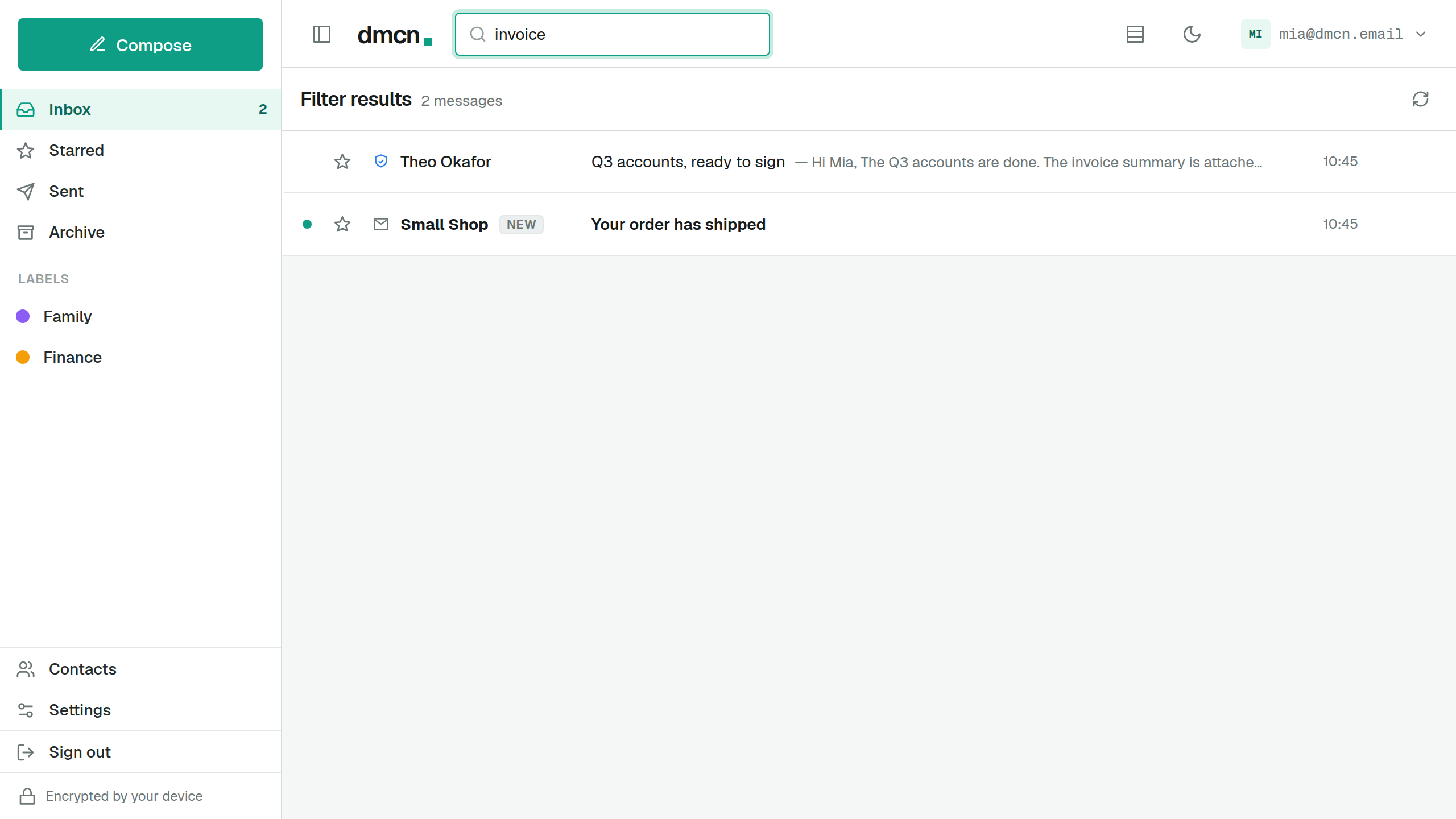
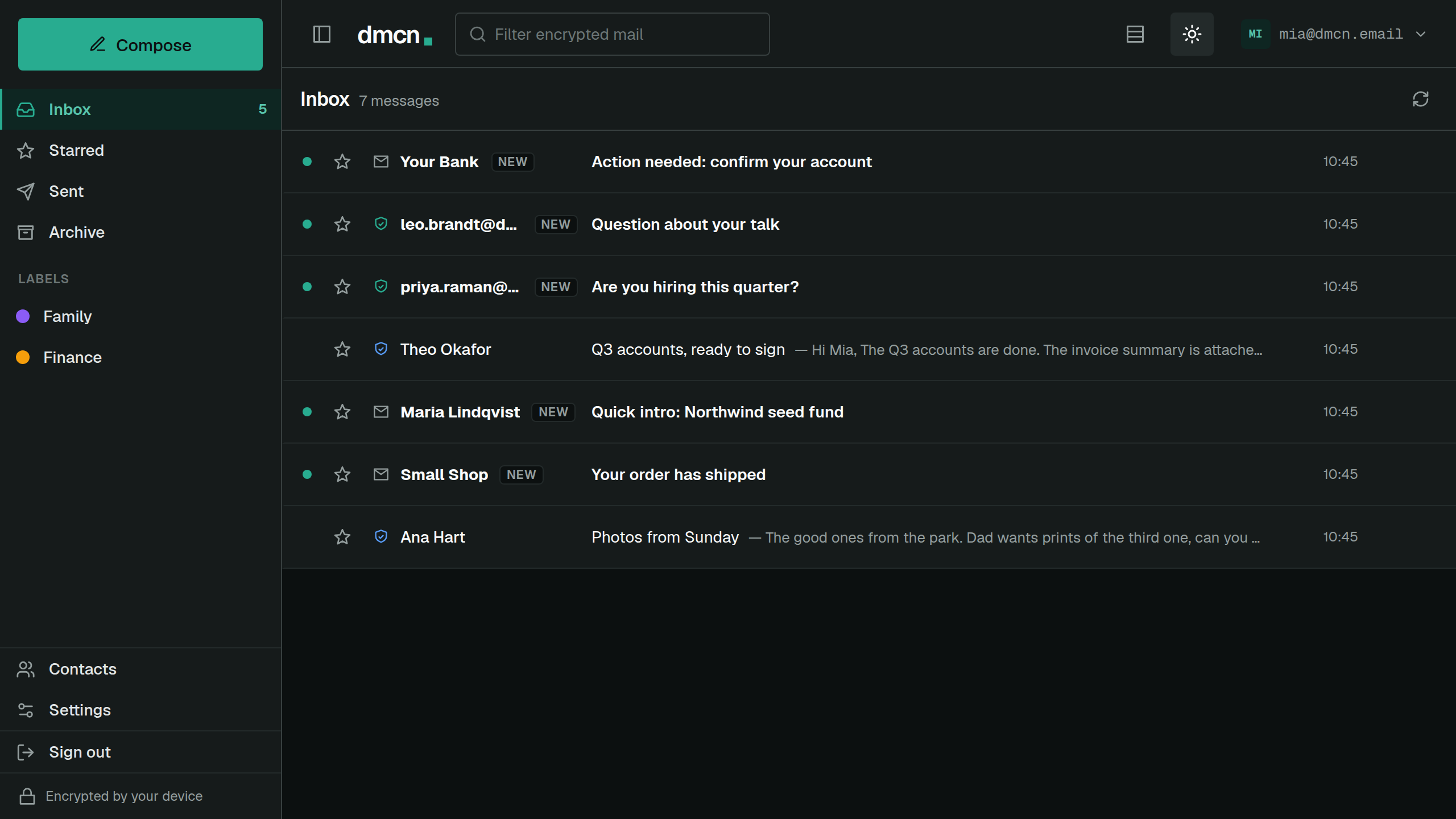
Labels, folders, search, attachments, dark mode and notifications, on your laptop and your phone.
Your address ends in dmcn.email, dmcn.me or dmcn.io.
06 · Pricing
You’re the customer, and you can leave.
Every plan has every feature, and paying yearly is cheapest. If you need more room, move to a bigger storage plan. Start with a 30-day free trial, no card needed.
That’s $2.50 a month for every feature and 4 GB of encrypted storage. Paid monthly, it’s $3 a month.
Need more room?
Move to more storage any time. Every feature stays the same, and paying yearly saves two months here too.
No free plan, and every new sender waits for you
Free trials and demo addresses run out and send very little, and every new sender waits for your approval.
That includes a new address from someone you blocked: a block follows their key, and a new key starts back at the gate. Charging every account also means nobody else is paying for yours. There are no advertisers, and we have no reason to make money from your mail any other way.
You can leave with your keys
Export an encrypted backup of your keys any time.
The protocol your mail runs on is published at dmcn.dev, and anyone can build on it or run it. You never need our permission to go.
Pick your address and see who gets in.
Keep your old email running alongside while you try it.
No card needed for the trial. Plans from $3 a month.